

How to spot scammers’ tricks before you fall for them
Scammers are getting smarter, but their favourite tricks still rely on old lies dressed up in new ways. These schemes are designed to make you panic and act without thinking. Let’s look into some their most common tricks and the simple steps you can take to protect your money, identity and future headaches.
Fraud is currently rampant in Thailand, especially since the Thai-Cambodian border conflict is ongoing, causing digital warfare to become even more commonplace. Senior citizens are among the heavily targeted groups for scams. Despite the Thai government and agencies issuing plenty of warnings about scams draining life savings, too many Thais still fall victim because they do not recognise the warning signs.
Here are three of the most common lies scammers use and why you should never take the bait.

A building in Cambodia used as a casino, scam centre and military base is shelled by Thai tanks near the Chong Sae Takoo border crossing in Buri Ram province in December 2025. (Photo: Army Military Force)
“Your information is being used to commit crimes.”
This trick is frightening. The scammer often dresses up as Thai police or authorities to make things more convincing. Instead of threatening your money, it threatens you. They often tell you that your name or ID number is linked to criminal activity, and you could face fines or jail time. But the contact details provided do not belong to any government agency; they belong to the scammer.
Once you take their bait, they pressure you for sensitive information, which they use to drain your accounts or steal your identity. The reality? There is no crime linked to your name. It’s pure fiction. Either ignore them or contact your local police station or village chief.
“There’s a security problem with your phone (or computer).”
Tech-related scams prey on fear and confusion. You might see a pop-up or receive a call claiming your computer is infected or hacked. This usually results from installing harmful apps or visiting unsafe links in short message service (SMS) messages. The scammer offers to “fix” the problem—often by taking remote control of your device or asking for payment details. In some cases, they install malware themselves.
The truth? Legitimate companies do not operate this way. If you get such a message, ignore it. There is no security issue, only a scam.
As someone who often tries out new applications and games, visits unsavoury websites or tries silly tweaks to my devices, I also sometimes encounter malware attempting to scam me.
“Someone is using your accounts.”
This is one of the oldest tricks in the book. You receive an alarming message claiming suspicious activity on your account. The scammer wants you to react emotionally, fearing your money or data is at risk. The contact details provided, whether by email, text or voicemail, do not lead to your bank or any legitimate authority. They lead straight to the scammer.
The truth? There is no suspicious activity. It is a lie designed to lure you into handing over personal details or transferring money “for protection.” Never follow the instructions in these messages.
How to protect yourself:
Do not move money to “protect it.” Scammers often convince victims to transfer funds or invest in something for “safekeeping.” Once you move the money, it’s gone.
I recommend hanging up (or disconnecting) and verifying before doing anything foolish. Never use the contact details provided in the message. Look up the official contacts yourself and use those instead.
Block unwanted calls. Many modern phones have built-in scam call detection. If not, you can use the Whoscall app, which works on any Android or iPhone. Do not answer numbers you do not recognise. If it is important, they will leave a voicemail; scammers rarely do.
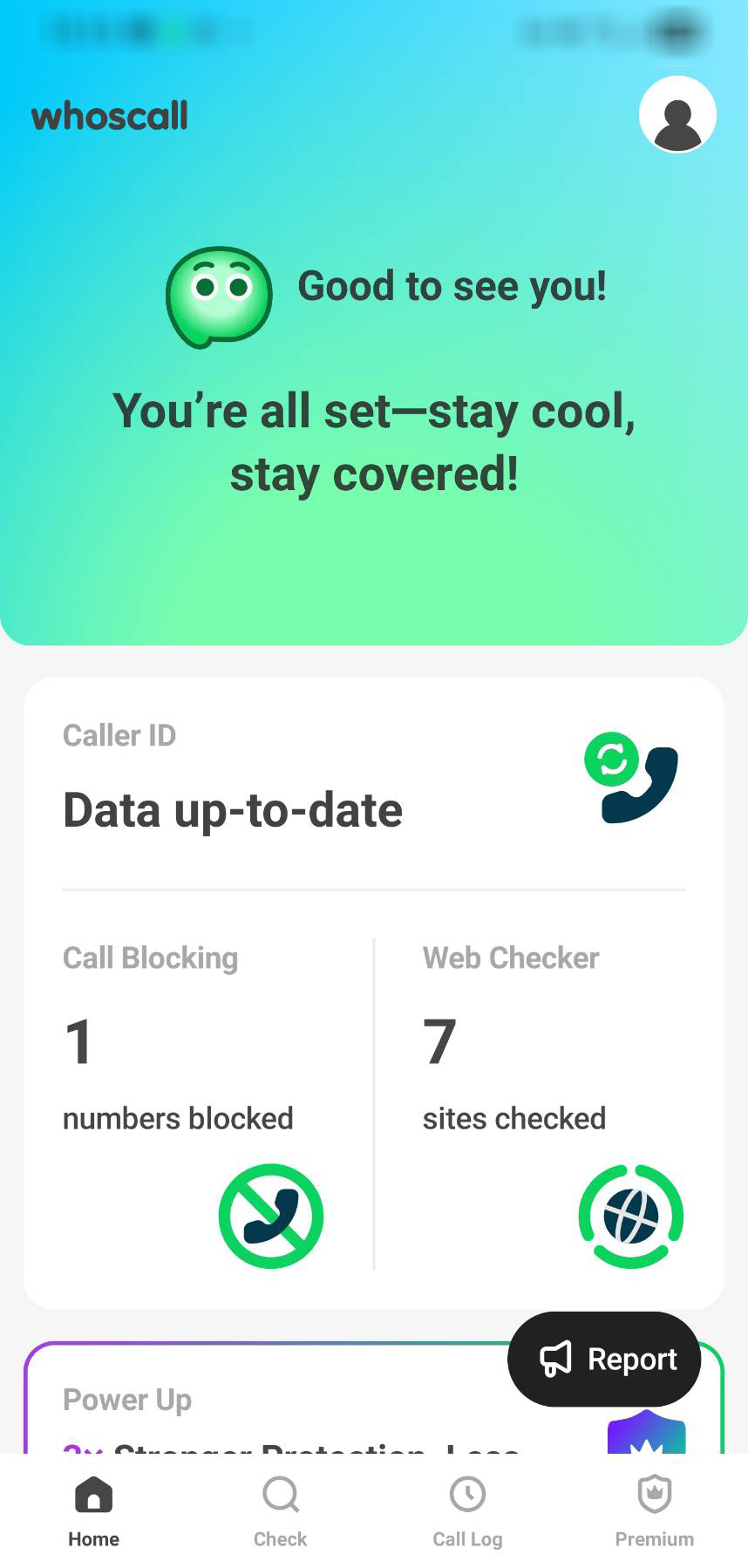
A screenshot of Whoscall, a mobile application that alerts users to significant and urgent scam threats, including authority impersonation, ransomware, large-scale financial scams, phishing attacks, identity theft and others that may result in severe damage.
Legitimate organisations do not work this way.
Thai banks will not call you to warn about monetary fraud—they will lock your account and wait for you to contact them. Government agencies do not send emails or texts demanding action; they communicate through official letters or in person. No reputable company uses random pop-ups to fix your computer.
If you receive a message asking you to reply or call back, treat it as suspicious. Instead, use official contact methods you already know.
Be sceptical
While it’s unfortunate that we have to be extra cautious, staying alert is crucial. If something feels off, trust your instincts. Legitimate businesses will respect your caution. Scammers will get angry—and that’s your cue to hang up.
In addition, scammers will develop more sophisticated operations using artificial intelligence (AI), allowing them to target victims more precisely.
Source – Bangkok News